GitHub Copilot Fusion picks the models for each task
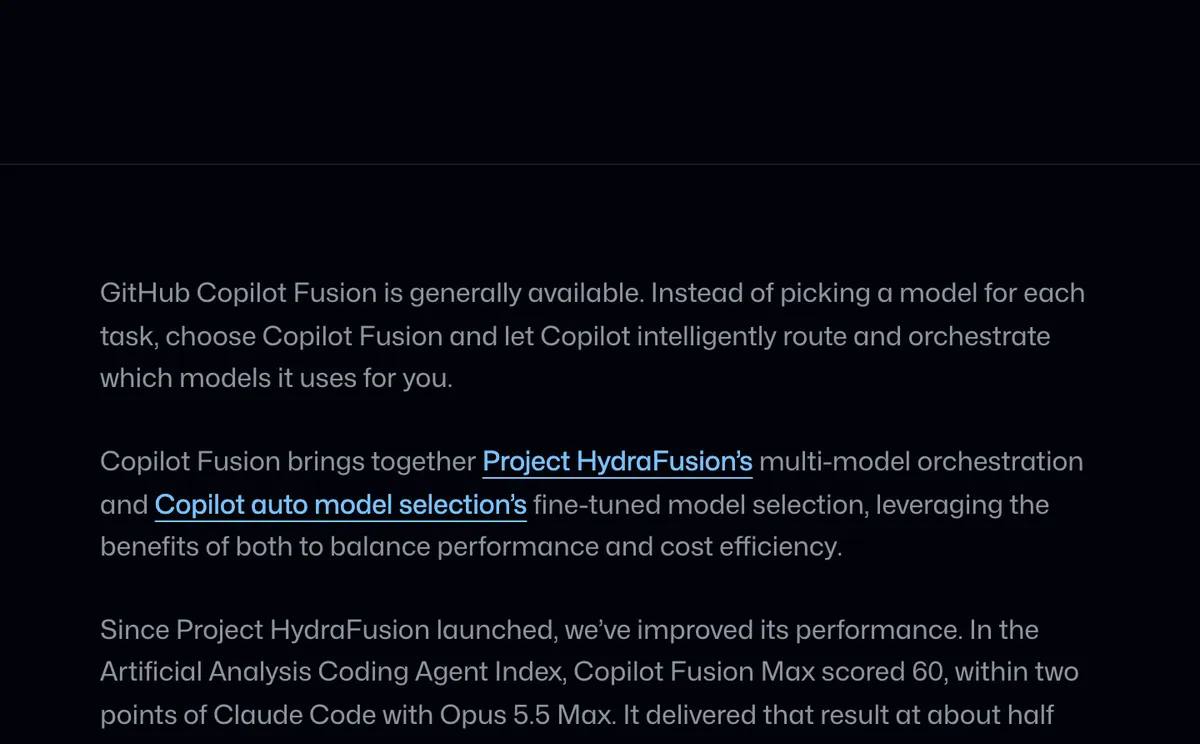
GitHub Copilot Fusion is generally available. Instead of you picking a model for each task, Copilot routes and orchestrates which models it uses. To use it, select Copilot Fusion in the model picker, then choose an effort level: Fusion Standard, Fusion High or Fusion Max.


GitHub describes a Cascade workflow: an efficient model drafts a response, and a quality check decides whether to accept it or escalate to a stronger model.
For you, the practical change is one less decision per task. The cost side is the other reason to look. GitHub reports that in the Artificial Analysis Coding Agent Index, Copilot Fusion Max scored 60, within two points of Claude Code with Opus 5.5 Max, at about half the average API cost per task.
If you run Copilot for a team, administrators control which models Copilot Fusion can use and whether Copilot Fusion is the default, so the routing stays within the models you allow.

Our take:
try Standard for everyday work, and keep Max for the hard problems.
Sources
Source published: